Measurement logging
Sensor values, control variables, ADC channels: record them with timestamps, watch, replay and export as CSV.
 KYMOTRACE
EMBEDDED DATA LOGGING · TRACING
Record measurements from ESP32, STM32, Arduino or Python scripts, watch them live, replay them later and export CSV. KymoStudio receives and stores on the PC; KymoCore adds device time, binary frames and runtime traces to your firmware.
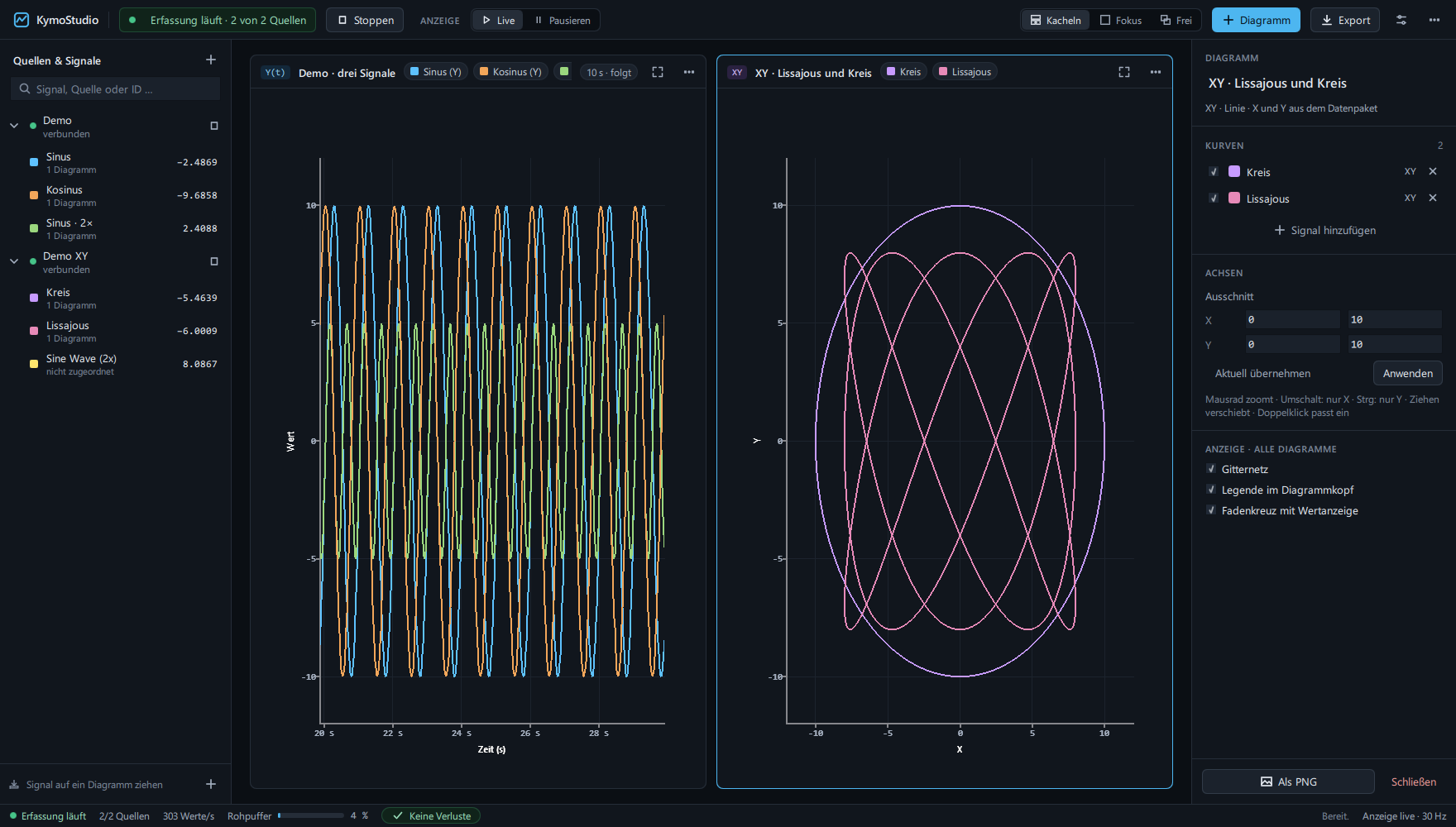
“Embedded logging” covers three different jobs. Kymotrace does two of them – and says plainly which one it does not.
Sensor values, control variables, ADC channels: record them with timestamps, watch, replay and export as CSV.
Functions, FreeRTOS tasks and interrupts on a timeline: run times, hotspots and jitter, exported as CSV or Chrome trace.
Messages like ERROR: sensor timeout with INFO/WARN/ERROR and filters. Dedicated logging libraries do that; Kymotrace handles numbers, not text messages.
temp:23.5,hum:40. Or binary frames with KymoCore – from firmware or from Python.All three end up in the same workbench, the same recording and the same CSV export.
Your firmware stays as it is. Labelled values, Teleplot or CSV columns.
temp:23.5,hum:40Device time, binary frames with CRC, runtime traces and live parameters on the microcontroller.
lib_deps = codename666/KymoCoreRaspberry Pi, test bench, simulation: send values from scripts in the same format as the firmware.
pip install kymocoreNO LIBRARY
No need to rebuild existing firmware. Each label becomes a signal with its own name. A line is taken whole or not at all, so columns never shift.
void loop()
{
    // the label becomes the signal name
    Serial.print("temp:");
    Serial.print(readTemperature());
    Serial.print(",hum:");
    Serial.println(readHumidity());
    delay(100);
}Text lines carry no device time. For exact timestamps, high data rates, CRC-protected frames or runtime traces, add the MIT-licensed KymoCore library – heap-free C++11 with a C API.
lib_deps = codename666/KymoCore @ 7.2.1CRC errors, invalid frames, unreadable bytes and buffer overflows are counted per source and noted in the recording. KymoStudio shows gaps in device time as an estimate – frames carry no sequence number, so it is not proof.
As of KymoStudio 2.8.0 and KymoCore 7.2.1.
| Feature | Status | Details |
|---|---|---|
| Recording & replay | yes | Own recording format, replay is read-only |
| Export | yes | CSV (live or from a recording); traces also as Chrome trace JSON |
| Time base | yes | Device time (ms/µs), from the sample rate or arrival time – always labelled |
| Sources | yes | Firmware via text lines or KymoCore; PC scripts via KymoCore for Python |
| Connections | yes | Serial, TCP, UDP, MQTT, CAN |
| Data loss | partly | Counters per source; gaps only estimated |
| Tasks, ISRs, functions | yes | Instrumentation with KymoCore; FreeRTOS adapter |
| Markers | yes | In KymoStudio with a note; from firmware as a numeric value |
| Text messages, log levels | no | Not provided |